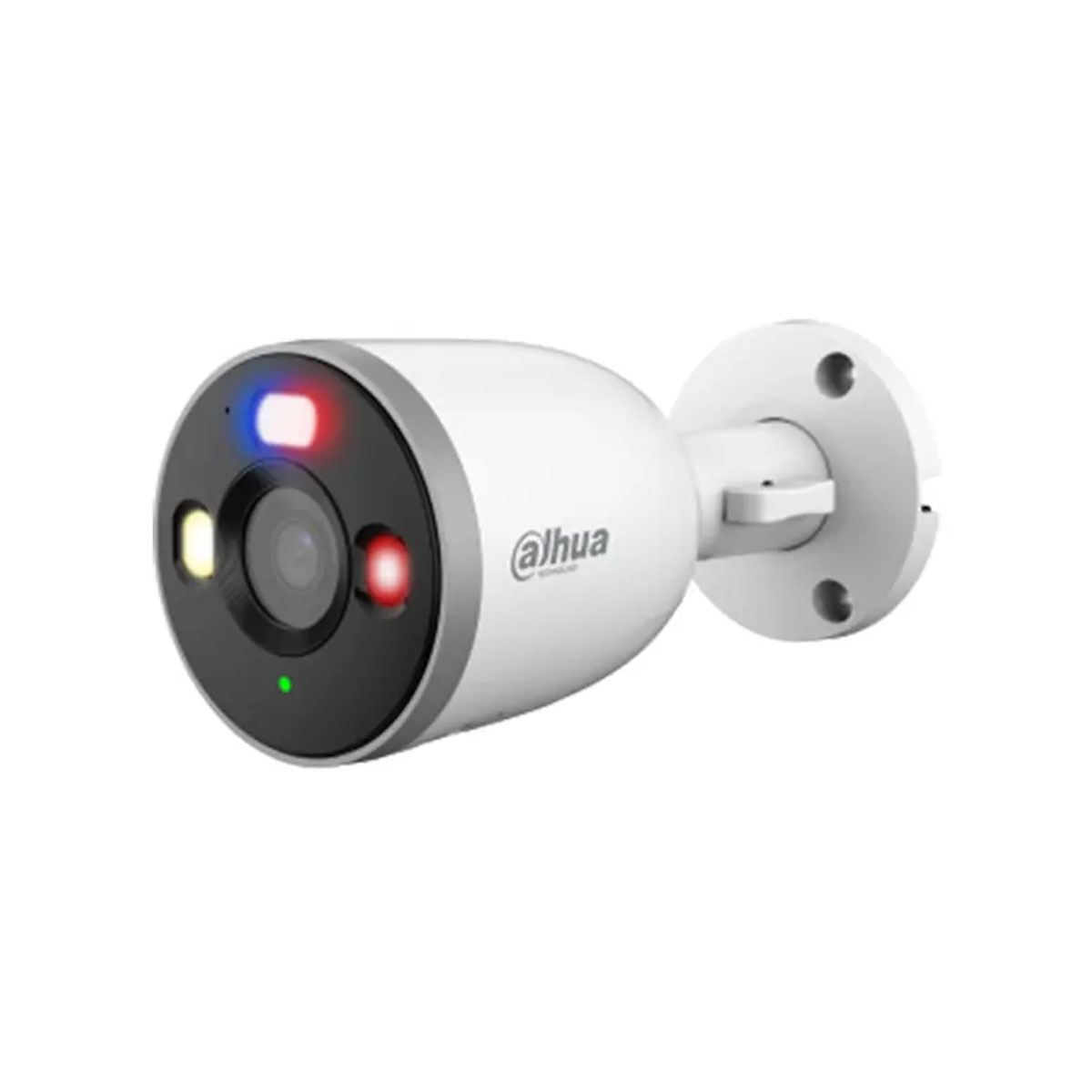
Dahua IP Camera
RTSP IP camera for live underwater observation and recording.
DIY Field System
A carp observation system for watching carp underwater, seeing live how carp feed on your fishing spot and recording underwater behaviour with affordable components. All this from inside your bivvy with only a 12V battery.
Scroll Down ↓The concept
Everyone knows the famous underwater carp videos from Korda, OMC and Underfishing. Watching carp feed, react to bait and move across the lakebed provides valuable insights that can improve your fishing and completely change the way you understand a venue.
This project was created for carp anglers who want to capture those same underwater moments themselves and share the experience with their fishing friends. Imagine being able to observe carp behaviour live on your own fishing spot, directly from your bivvy.
The goal was simple: build a reliable and affordable underwater observation system using readily available components without compromising image quality or functionality.
At the heart of the setup is a Dahua IP camera mounted inside a waterproof housing. The camera transmits live video through a flexible ethernet cable, while a 12V battery powers the entire system via a PoE injector. The same cable carries both power and data, allowing a laptop to receive a live RTSP stream for viewing, recording and replay capture using VLC and OBS Studio.
Core components
RTSP IP camera for live underwater observation and recording.
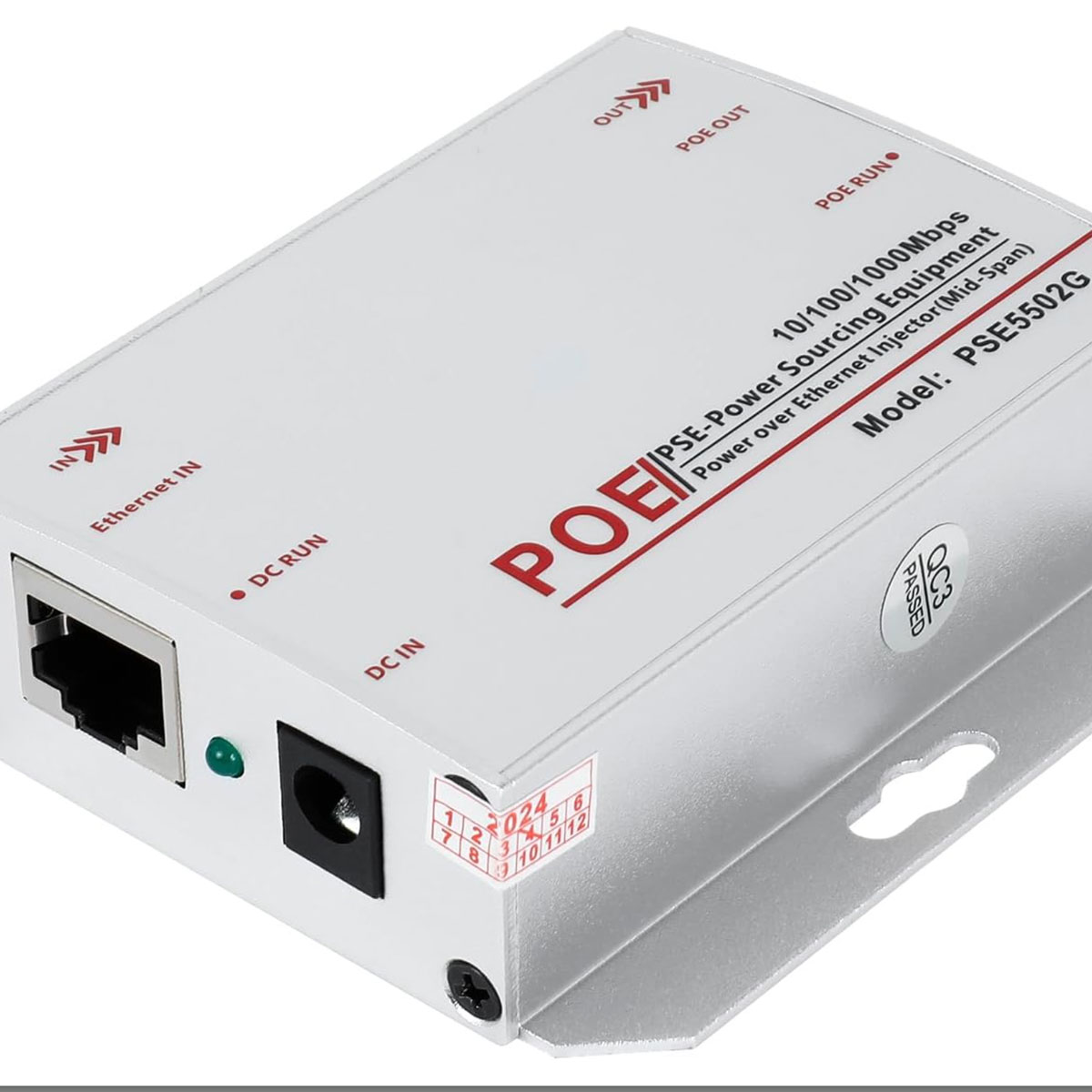
Sends both power and data to the camera over a single ethernet cable.
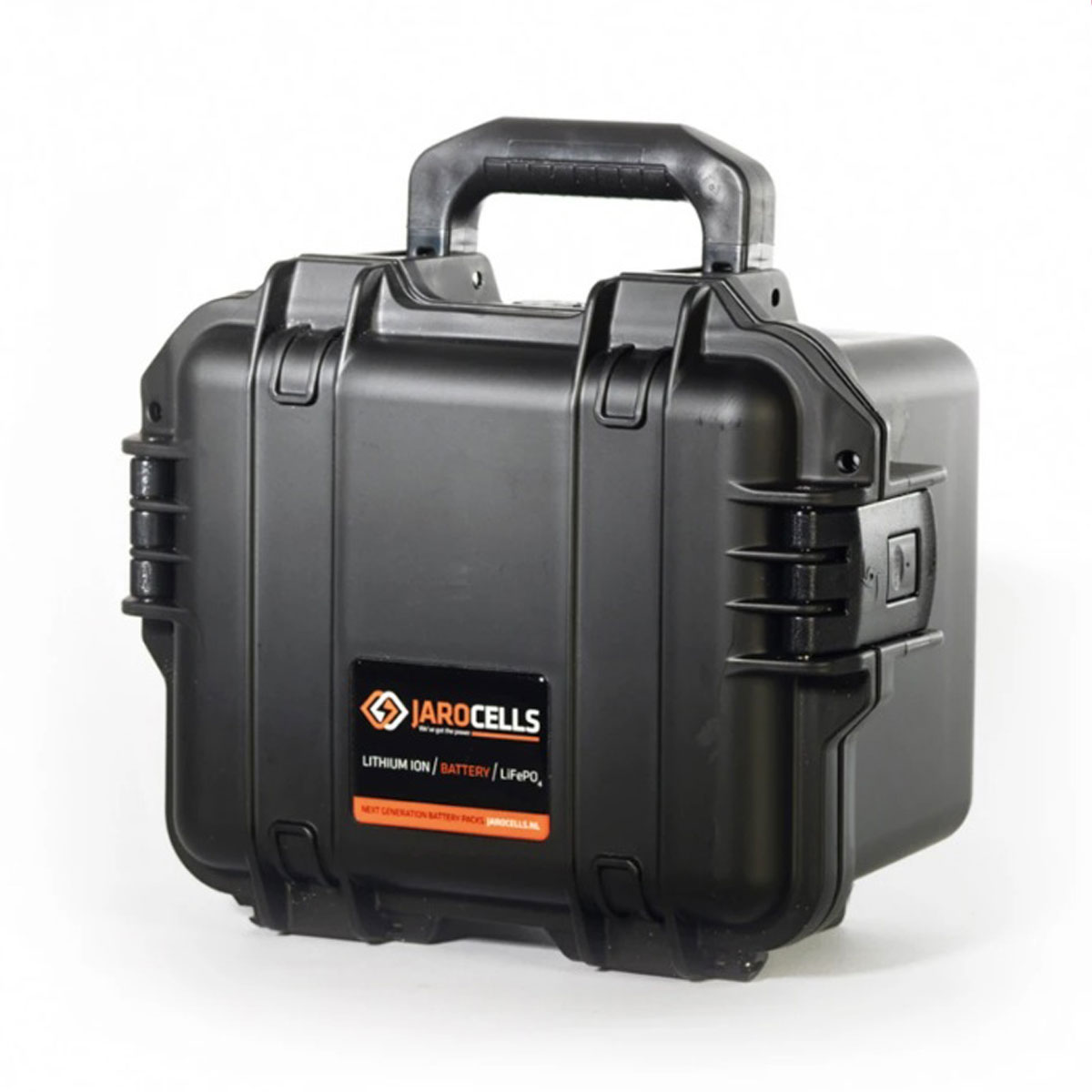
Portable field power for long sessions at the water.
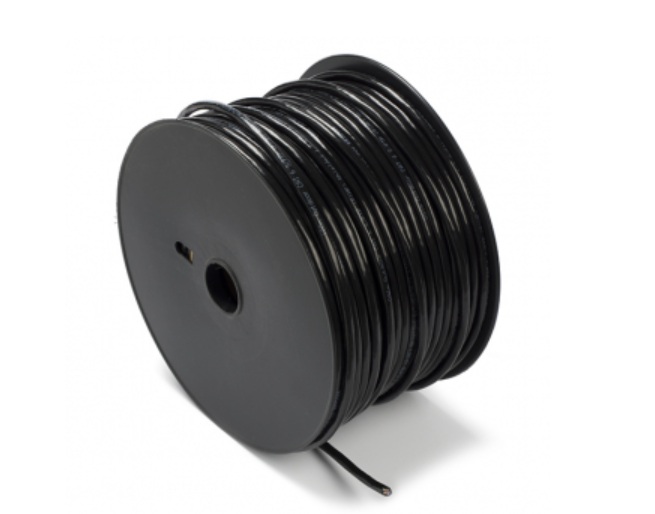
Water-resistant network cable designed for reliable outdoor and underwater field use.
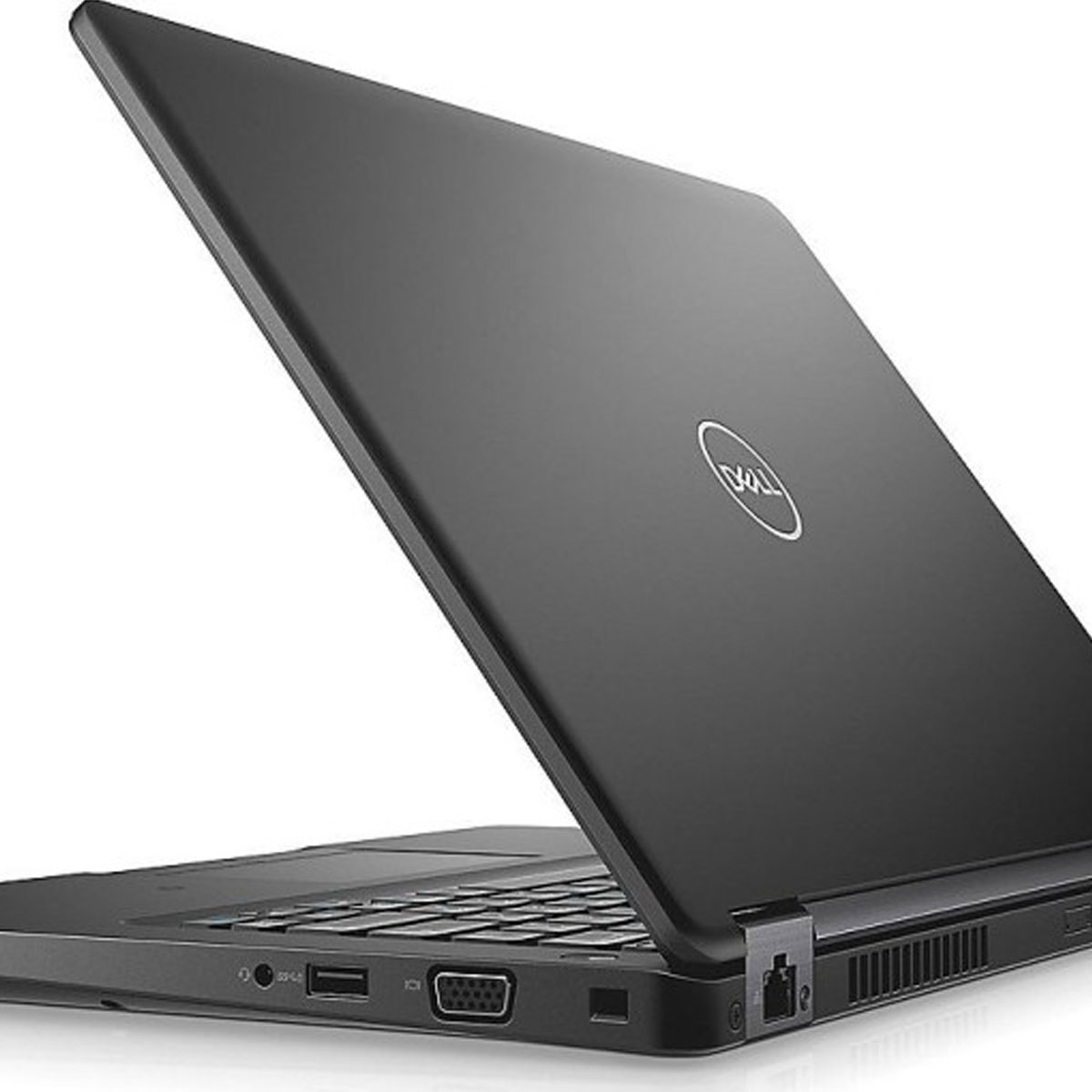
Used for OBS software and recording, replay buffer and live monitoring.
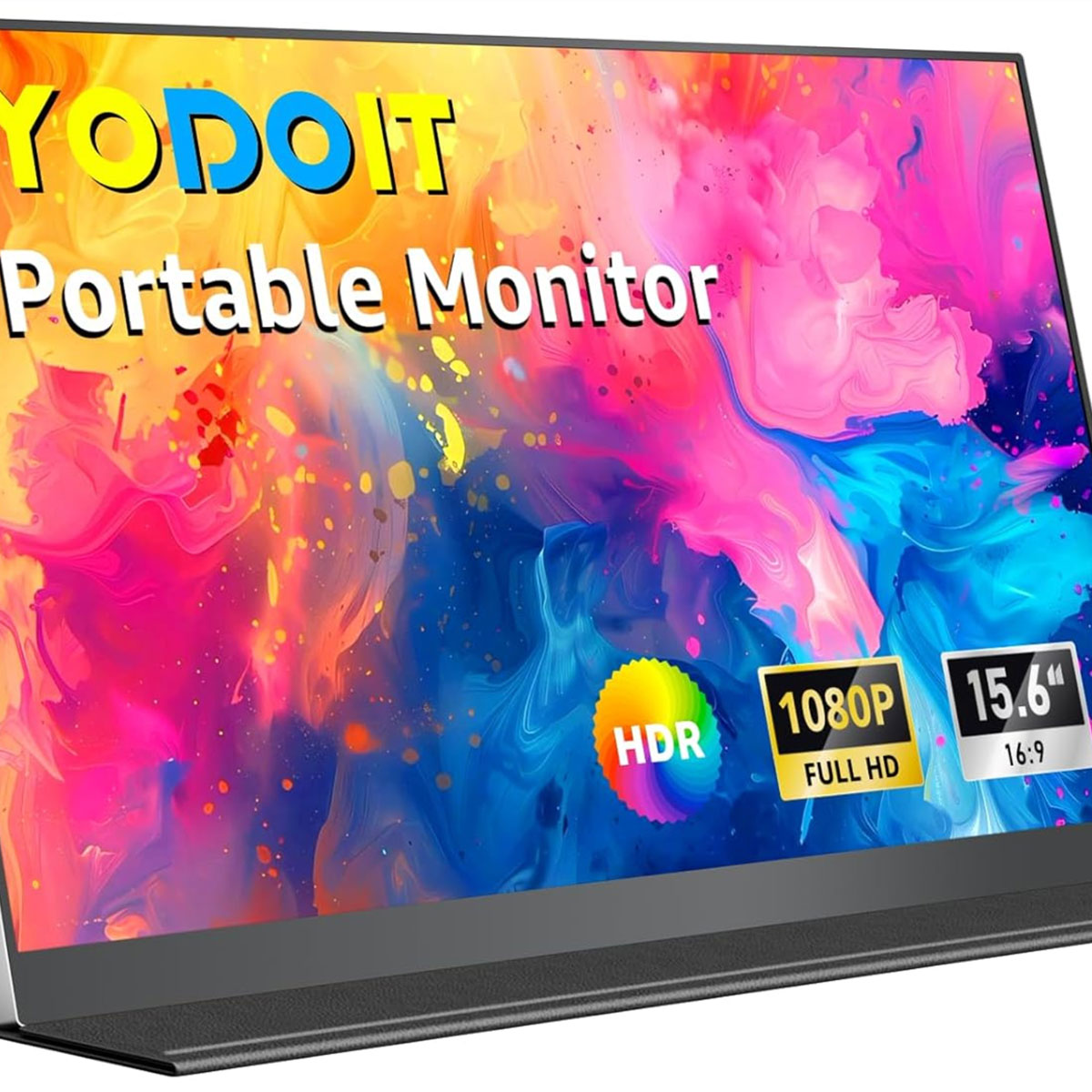
Extra field screen for better visibility during live carp observation.
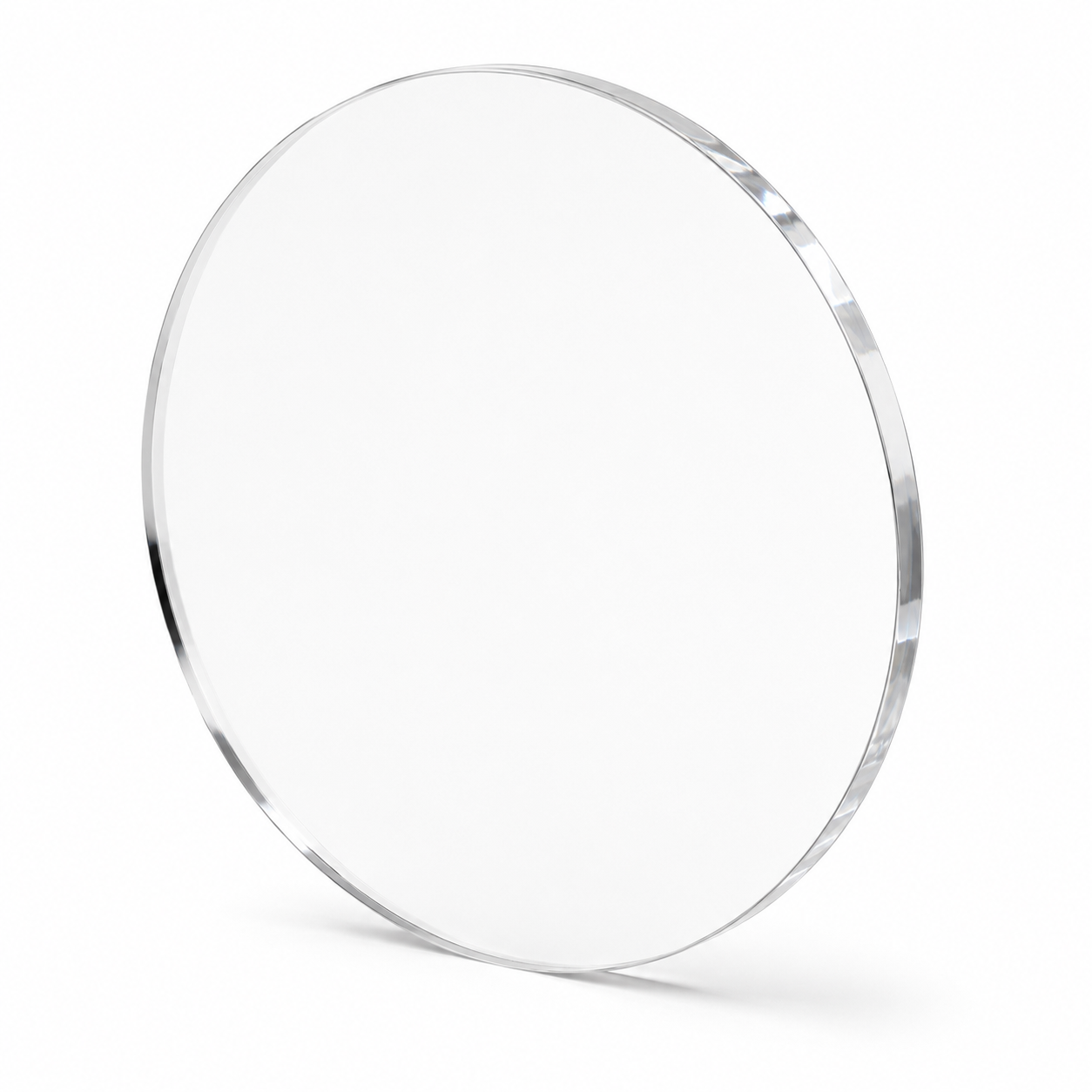
Custom-cut transparent viewing window for the waterproof camera housing.
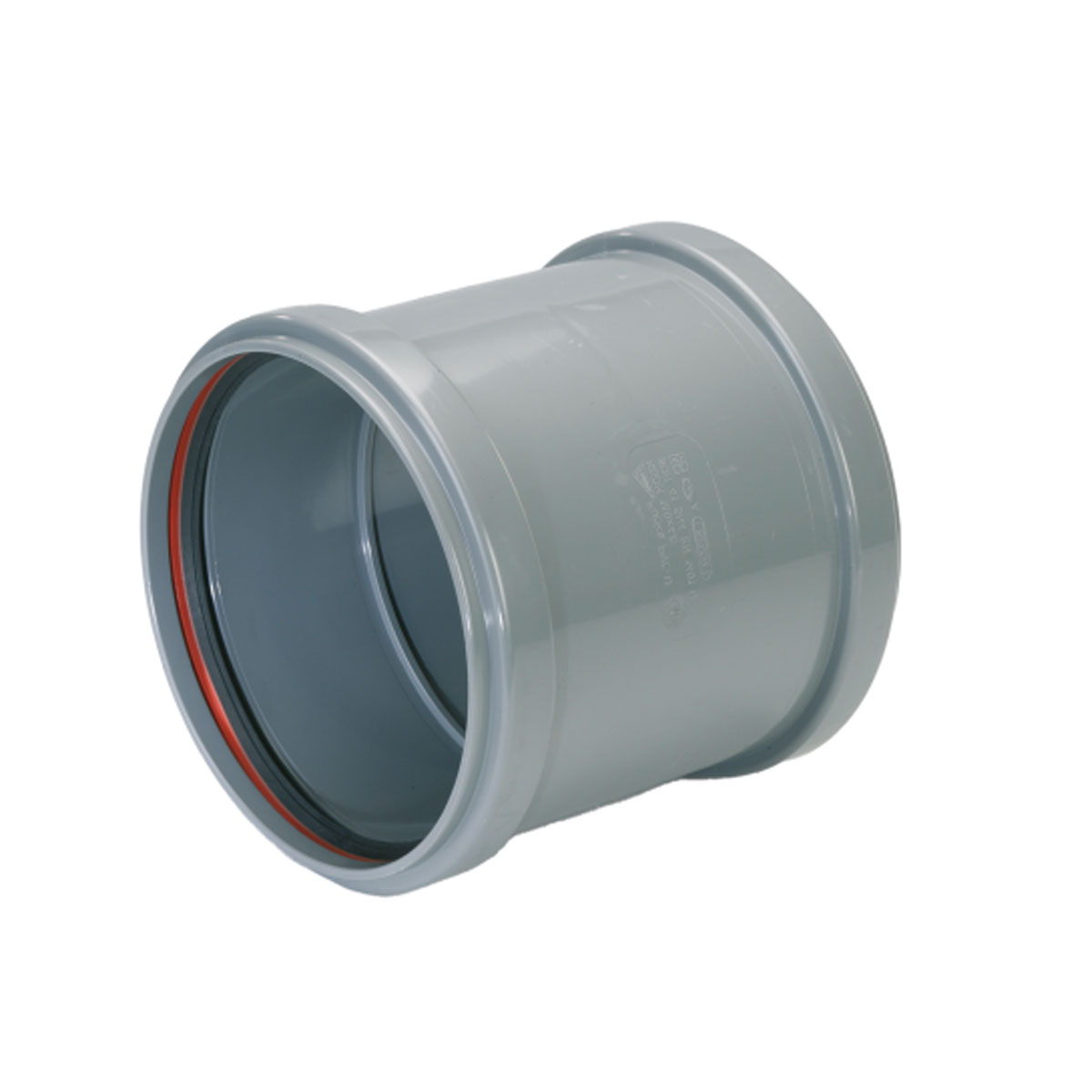
Affordable and practical housing material for building a sealed camera body.
Build workflow
See how the PVC housing, plexiglass window, UTP cable entry, aluminium support frame and bottom plate come together in a compact step-by-step build guide.
Start the build →Software
Before using the underwater camera in the field, the network connection, RTSP stream and recording workflow need to be configured correctly. The following steps show the complete setup process from camera configuration to recording underwater footage in OBS Studio.
Use Dahua SmartPSS software to configure the camera, assign network settings and create login credentials. This step is required before the RTSP stream can be used.
Before adding the camera to OBS Studio, test the RTSP stream using VLC Media Player. This confirms that the camera is reachable and the stream is working correctly.
OBS Studio is a free recording and livestreaming application. Add the RTSP stream as a media source and verify that the live camera image appears correctly. For long recording sessions, use an external SSD instead of the laptop's internal drive. This keeps the operating system responsive and provides significantly more storage capacity.
Download OBS Studio (free): https://obsproject.com
I recommend storing recordings on an external SSD or hard drive. Enable the Replay Buffer feature so that important moments can still be saved after they happen.
My Replay Buffer is configured to store the previous 20 seconds. This works as a pre-recording feature and helps prevent missing important underwater activity.
Materials
A practical overview of the main parts used in this underwater carp observation setup. Prices are estimated and may change depending on supplier availability.
Dome camera disassembled to make it fit inside the housing. Choose a model with a wide-angle lens.
Used to provide both power and data to the camera from a 12V setup.
External 12V monitor for live viewing in the field. Works through mini HDMI.
Any 12V battery can work, but JAROCELLS is a premium option. The app allows accurate power monitoring.
Available in different sizes. Make sure there is enough internal space for the camera.
Almost any laptop can work. Make sure it has enough CPU and memory capacity, especially for pre-recording.
Depending on the equipment you already own, the total build cost can vary significantly. If you already have a suitable laptop and battery, the remaining parts can be built for approximately €350–€400.
The higher estimate reflects the complete setup shown on this website, including a premium JAROCELLS 50Ah lithium battery and a dedicated field laptop. A lithium battery is strongly recommended because it delivers a stable voltage output throughout most of its discharge cycle. This helps ensure reliable operation of the PoE injector, camera and recording equipment during long sessions.
Traditional lead-acid batteries are generally not recommended for this project. As their charge level drops, the voltage decreases significantly, which can cause instability or unexpected shutdowns of connected equipment.
The total cost should therefore be viewed as a realistic range rather than a fixed amount. Many anglers can reduce the budget considerably by using equipment they already own or by selecting alternative components.
First Field Test
The very first deployment of the DIY underwater carp camera system. Watch the setup, deployment and the first live underwater footage from the lake.
Real World Use
Field photos from testing and using the underwater camera system.
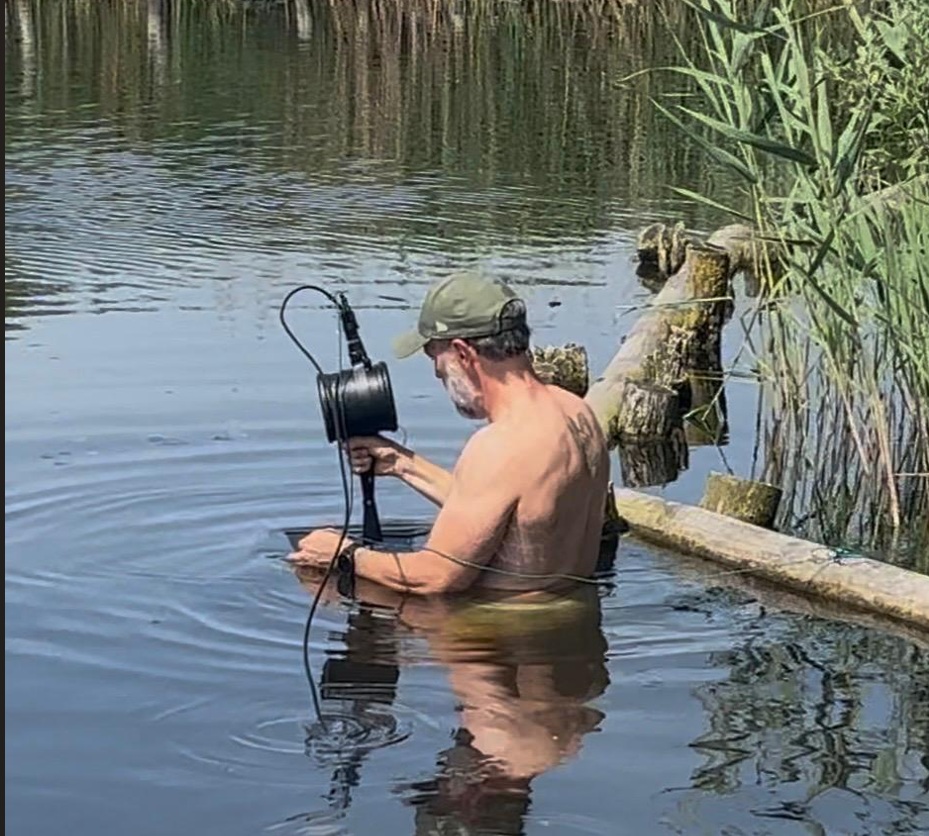
Positioning the system on the lakebed for the best underwater view.
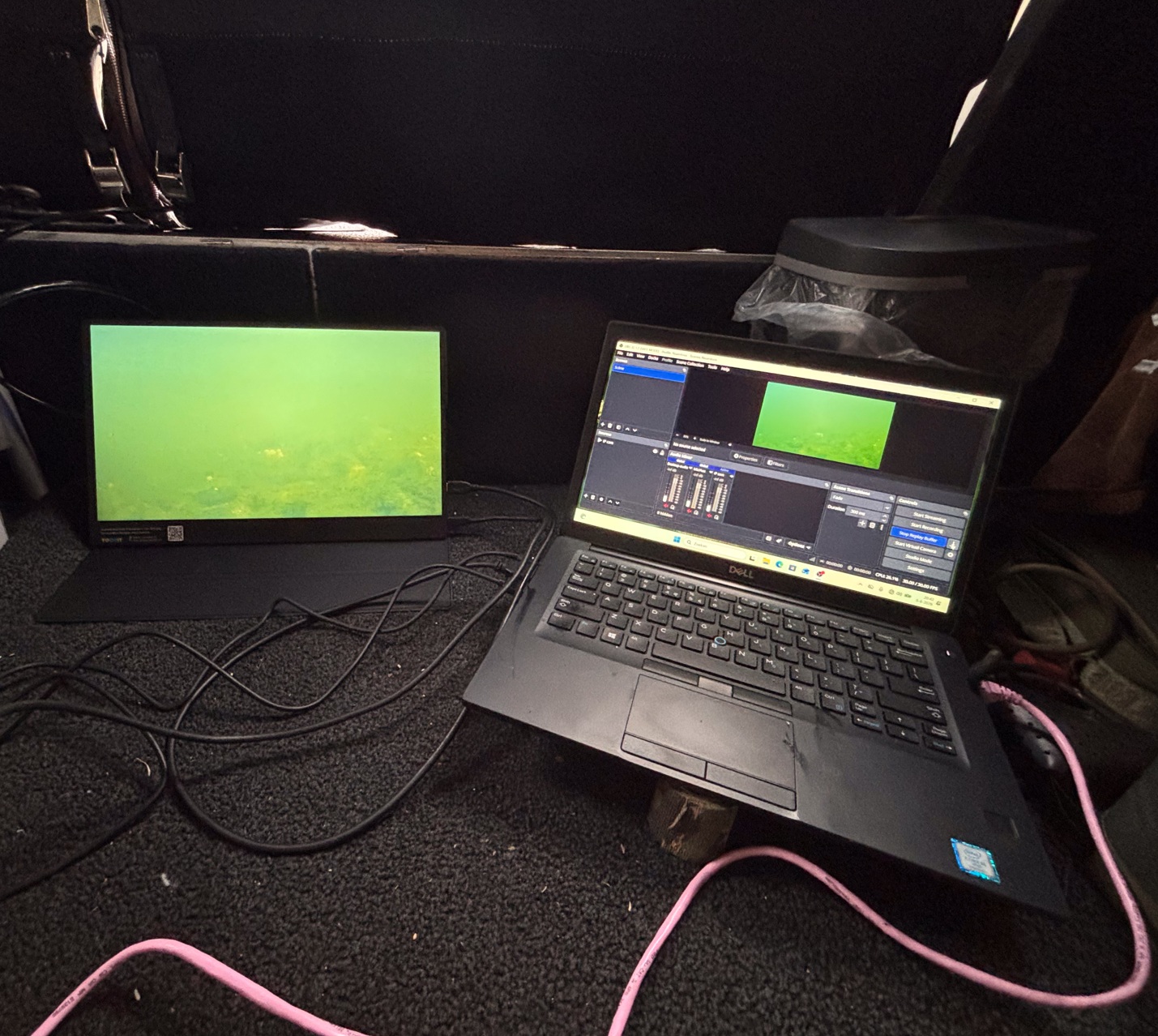
Configure the setup as you like.
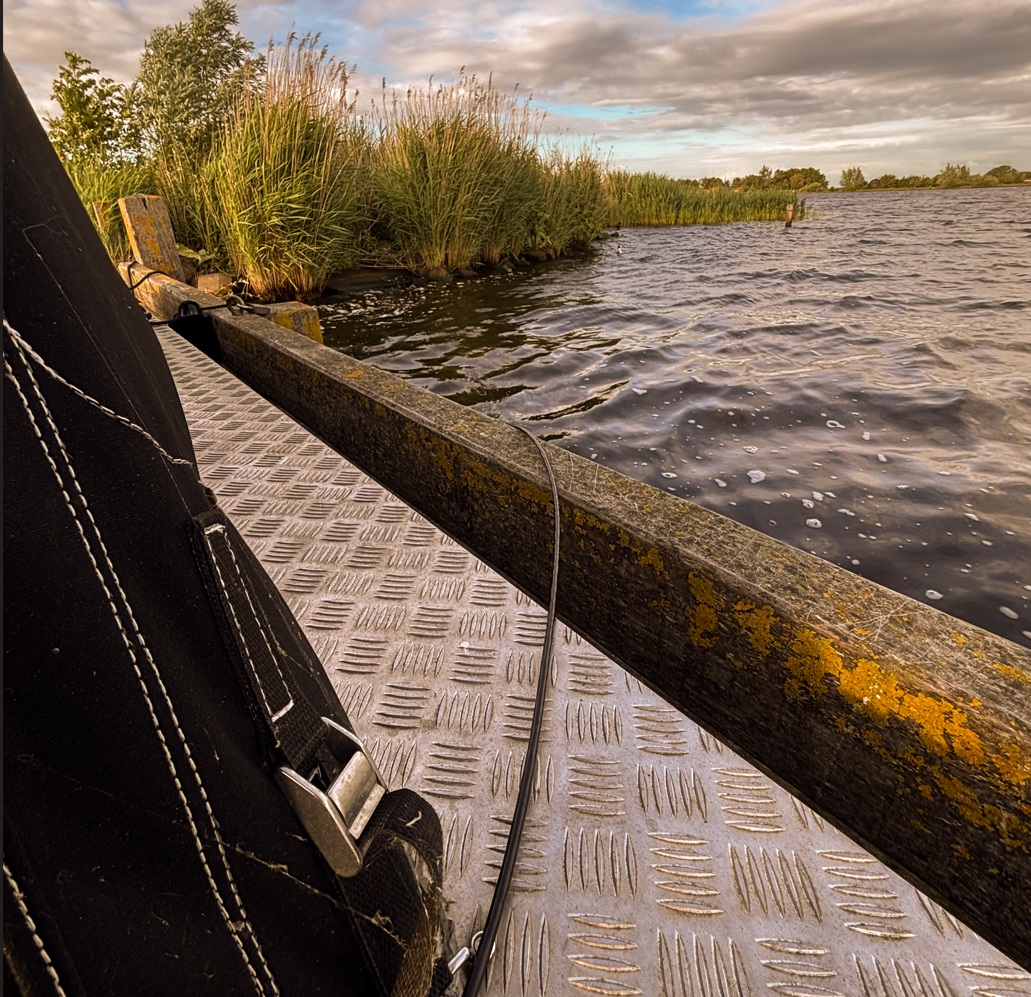
Use only one cable to your fishing spot.
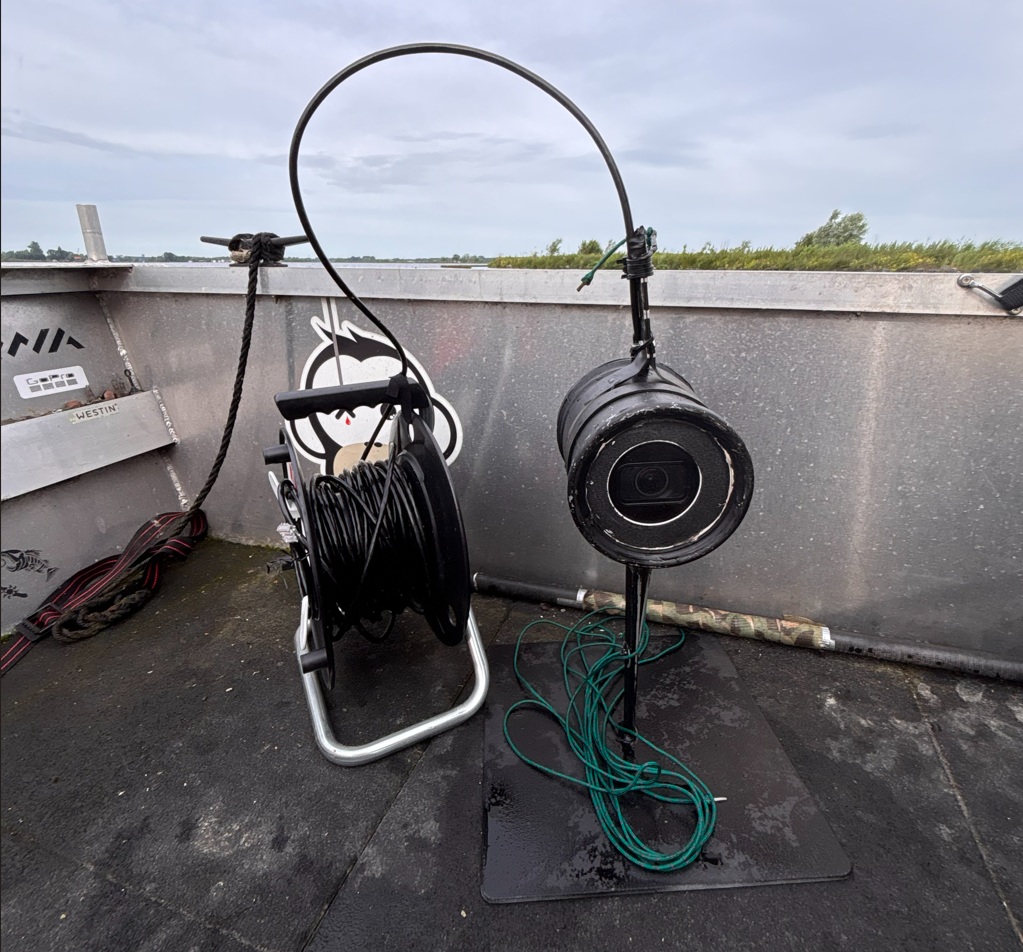
Lightweight portable setup to take it everywhere.
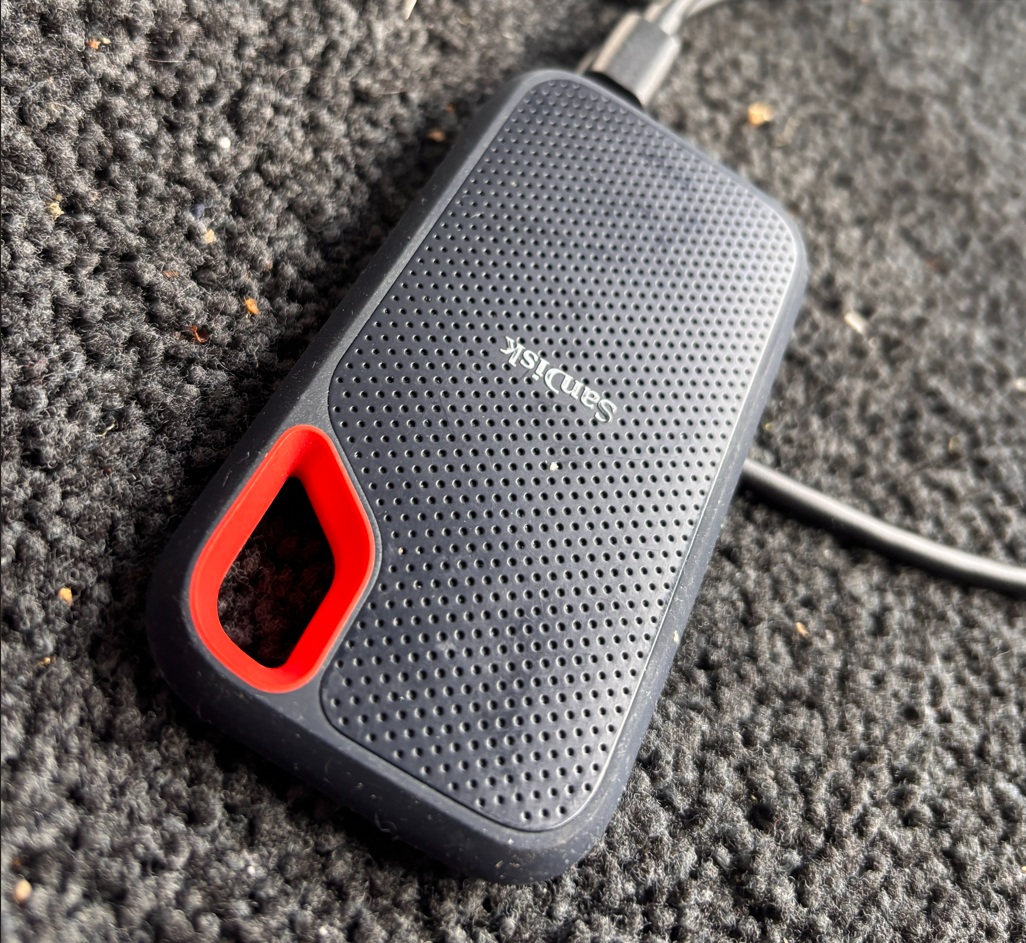
Capture all your footage on a SD disk.
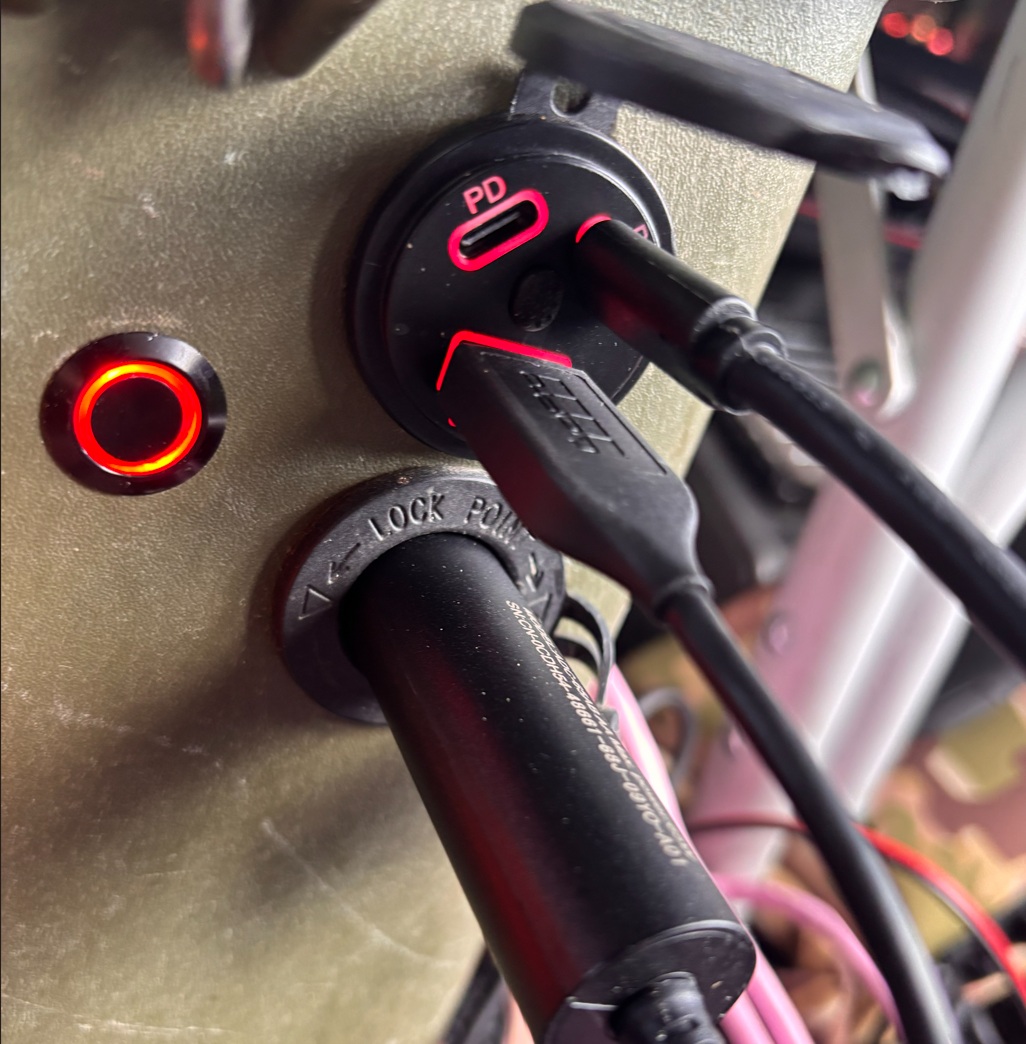
Plug all the power you need in your Jarocells batterycase.
FAQ
Yes, depending on the camera and lighting setup. IR behaviour underwater needs testing because reflection and particles can affect visibility.
PoE keeps the setup clean: one cable carries both power and data to the underwater camera.
Yes. OBS Studio can record the RTSP stream and use replay buffer to save key moments after they happen.
Yes, but the camera must support RTSP and it needs to be easy to mount securely inside the waterproof housing.
Yes. The cable should be suitable for outdoor use. The best option would be a PUR high-flex stranded industrial cable, although this type of cable is more expensive.
The laptop and PoE injector use approximately 2Ah. With a 50Ah lithium battery, the setup should run for around 25 hours.
I used a custom-made plexiglas solution ordered online. It is affordable and can be made perfectly to size for the housing.